
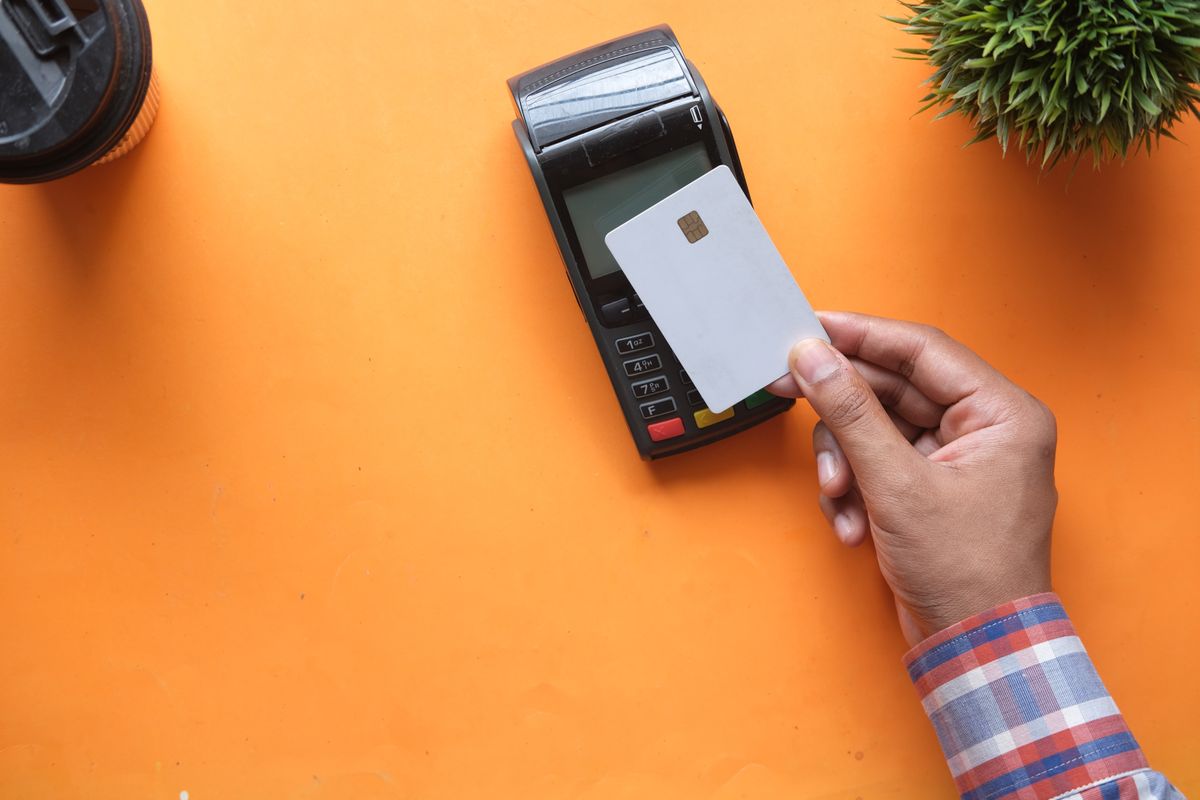
Yes. A scam uncovered by Which? shows fraudsters using a fake “missed parcel” text to steal your card details, then adding your card to a digital wallet, such as Apple Pay or Google Wallet, on a phone they control. Once it’s set up, they can spend on your card until they hit your limit or drain your balance. The good news: it only works if you type in a one-time passcode for them, so knowing what that code is really for is your best defence.
What is digital wallet fraud?
Digital wallet fraud is when a criminal takes your card details and loads them onto a digital wallet, the app on a smartphone (Apple Pay, Google Wallet or Samsung Pay) that lets you pay by tapping your phone instead of your card. Once your card is sitting in a wallet on their phone rather than yours, they can tap to pay in shops or spend online, often for weeks, before you notice.
Consumer group Which? has flagged this as one of the most convincing scams doing the rounds this year, and industry figures suggest individual banks are losing between £2 million and £6 million a year to it — costs that can end up passed on to customers through higher fees or reduced account perks.
How does the scam actually work?
- You get a text or a social media advert saying a parcel couldn’t be delivered, often made to look like it’s from Royal Mail or a similar courier.
- The link leads to a fake website that looks convincingly like the real thing, asking you to pay a small “redelivery fee” with your card.
- The moment you type in your card details, the scammer is watching in real time and entering those same details into a digital wallet on their own phone.
- Your bank, doing exactly what it’s supposed to do, sends a one-time passcode to your phone to confirm the new wallet setup.
- The fake website then asks you to enter that code too, claiming it’s needed to “verify your payment”. Typing it in hands the scammer the final piece they need to activate your card on their wallet.
Why is the one-time passcode text so dangerous?
The one-time passcode (OTP) is meant to be a safety check that only you can pass. The problem, as Which? points out, is that most banks still send this code as a plain text message — and a code sent by text can be read out, screen-shared, or “socially engineered” out of someone who’s been told, convincingly, that it’s needed to complete a legitimate purchase.
Here’s the one fact worth remembering: a genuine £1.99 redelivery fee never needs a one-time passcode from your bank. Banks only send that code when a new device or service, like a digital wallet, is being added to your account. If a passcode arrives when you think you’re simply paying a small fee, that mismatch is the clearest sign something is wrong.
What are the warning signs of a fake delivery text?
- You weren’t expecting a parcel, or the message doesn’t match anything you’ve actually ordered.
- The link uses a slightly odd web address rather than the courier’s real domain — for example, extra words, unusual endings, or a misspelling.
- You’re asked to enter a passcode from a text message to “confirm” or “verify” a small payment.
- There’s pressure to act quickly, such as a warning that your parcel will be returned to sender within 24 hours.
How can you protect your card from being added to someone else’s wallet?
- Don’t tap links in unsolicited delivery texts. Go to the courier’s official website or app directly instead, by typing the address in yourself.
- Never share a one-time passcode with anyone, or type it into a website, unless you are certain you initiated the transaction it relates to.
- Turn on real-time spending notifications in your banking app, so you see any new transaction the moment it happens.
- Check your bank statements regularly rather than waiting for a paper statement to arrive.
- If you’re ever unsure whether a text is genuine, hang up or close it and call your bank on the number printed on your card, not a number from the message.
What should you do if you think you’ve been targeted?
Contact your bank straight away using the number on the back of your card, tell them you suspect your card details have been used to set up a digital wallet you don’t recognise, and ask them to block the card. You can also report the scam text to your provider by forwarding it free to 7726, and report the fraud to Action Fraud at actionfraud.police.uk or on 0300 123 2040. Acting quickly gives your bank the best chance of stopping further spending and starting a fraud investigation.
Key takeaway
A one-time passcode from your bank is never needed to pay a small delivery fee — it’s only ever sent when something new, like a digital wallet, is being added to your account. If a text asks you to enter that code for what looks like a routine payment, stop, don’t enter it, and contact your bank directly using the number on your card.
Advertisement
Your name was no accident.
NumberVeil turns your full name into a free personalised numerology reading — your Expression, Soul Urge and Personality numbers, revealed in seconds.
Get your free reading →
Leave a Reply