
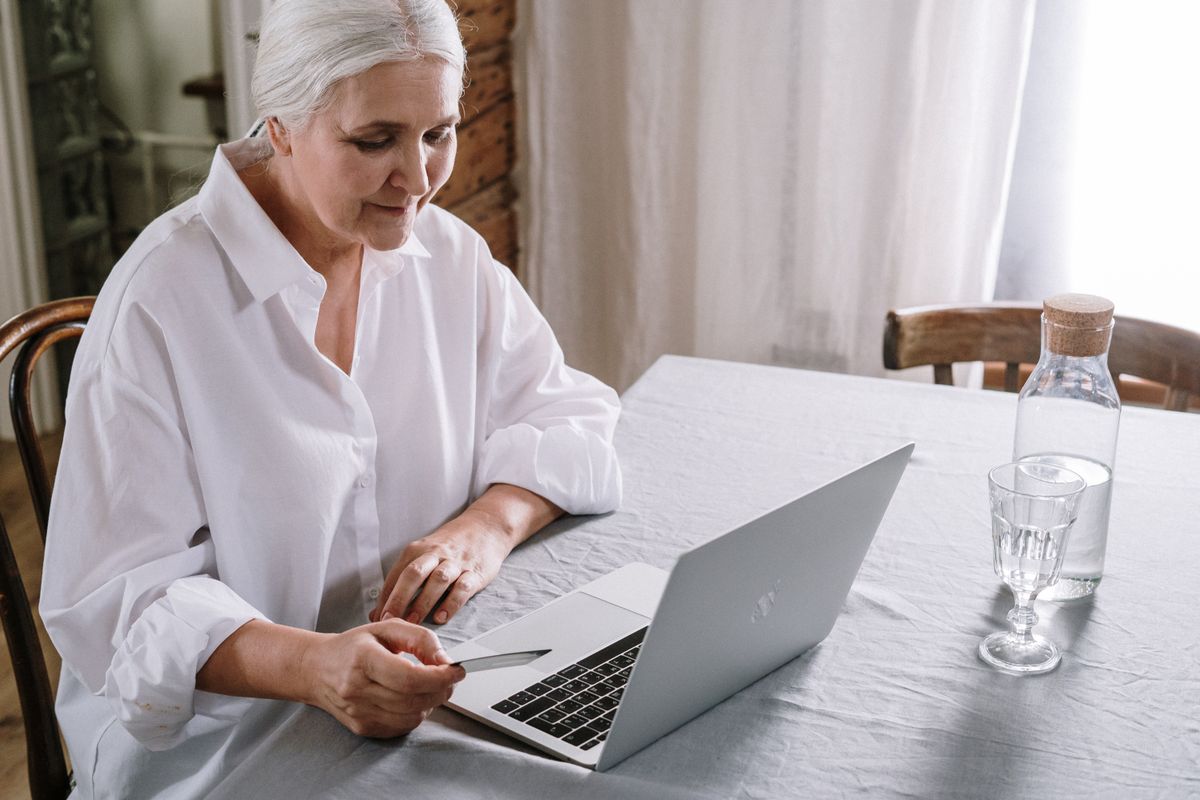
GOV.UK One Login is the government’s new single sign-in system, replacing the old Government Gateway for most online services. If you already have a Government Gateway account, you do not need to act right now — you will be contacted when it’s time to switch. If you’re setting up access for the first time, GOV.UK One Login is where you start.
What exactly is GOV.UK One Login — and why is the government introducing it?
Until recently, accessing government services online meant juggling different login details for HMRC, DWP, the DVLA, and dozens of other departments. Each had its own username, password, and identity-checking process — a frustrating and confusing system for anyone who needed to use more than one.
GOV.UK One Login changes all of that. It gives you a single account — one email address, one password — that works across more than 220 government services. You verify your identity once, and that proof is accepted right across the system. As of June 2026, over 16.6 million people have already signed up.
The biggest recent changes: HMRC migrated to GOV.UK One Login in February 2026, so anyone setting up access to their personal tax account for the first time now uses One Login instead of Government Gateway. DWP — which handles State Pension, Pension Credit, and Universal Credit — has also been working through a similar migration.
Which government services can I use it for?
Over 220 services are now connected to GOV.UK One Login, including many that people over 55 use regularly:
- Your personal tax account (HMRC) — check your tax code, claim a refund, or update your details
- Check your State Pension forecast and National Insurance record
- Apply for or manage DWP benefits including Pension Credit
- Renew or update your driving licence (DVLA)
- Check vehicle tax and MOT history
- Access your NHS account and health records
- Apply for or update a Blue Badge
The full list is updated regularly at home.account.gov.uk/services-using-one-login as more departments join the system.
Do I need to do anything if I already have a Government Gateway account?
No — not yet. If you already have a Government Gateway account and currently use it to access HMRC or other services, nothing changes for you right now. You will receive a notification when it is time to migrate, and the process will be guided step by step.
If you do not yet have a Government Gateway account and are signing up to access HMRC services for the first time, you will be set up with GOV.UK One Login from the start. The old Government Gateway sign-up process is no longer available to new users.
How do I create a GOV.UK One Login account?
The process takes around 10 minutes. There are three stages: creating your sign-in details, confirming your email, and verifying your identity. Here is how each step works:
- Step 1: Go to sign-in.service.gov.uk and click “Create a GOV.UK One Login”
- Step 2: Enter your email address and choose a strong password. You will receive a six-digit code by email to confirm the address is yours.
- Step 3: Set up two-step verification. You can choose to receive a code by text message, or use an authenticator app on your smartphone.
- Step 4: Verify your identity. For most services, you will need to prove who you are. The quickest way is the GOV.UK ID Check app on your smartphone, which scans your passport or driving licence and takes a short face video. If you prefer not to use the app, there are alternatives — see below.
Once set up, you use the same email and password every time. You do not need to verify your identity again each time you use a different service.
What if I don’t have a smartphone or photo ID?
The government has built in two alternatives specifically for people who cannot use the app-based route:
- Security questions online: You can verify your identity by answering questions about your credit history — things like a previous address or the name of a mobile provider you use. This works entirely in a web browser with no app or photo ID needed.
- Post Office in-person check: Many Post Office branches offer a face-to-face identity verification service. You bring your passport or driving licence, a member of staff scans it and takes your photo, and your identity is usually confirmed within one working day. You can find participating branches on the GOV.UK website.
If you get stuck at any point, there is a live chat service at home.account.gov.uk/contact-gov-uk-one-login, available Monday to Friday, 8am to 8pm. A digital assistant is also available outside those hours.
Is GOV.UK One Login safe — how does it protect my personal information?
GOV.UK One Login is run by the Government Digital Service (GDS), part of the Cabinet Office, and is built to government security standards. Several layers of protection are built in:
- Two-step verification means that even if someone gets hold of your password, they would also need access to your phone to log in.
- Identity verification checks that you are genuinely who you say you are, making it much harder for someone else to set up an account in your name.
- No automatic data sharing between departments — proving your identity through One Login does not mean your tax records are suddenly visible to DWP or vice versa.
One important thing to know: the government will never send you an unexpected email or text asking you to click a link and log in to your GOV.UK One Login. If you receive something like that, treat it as a scam and go to the website directly by typing the address yourself.
Where can I get free help setting it up?
If you would like a hand getting started, several organisations offer free support:
- Age UK — free digital skills sessions and telephone support. Find your local branch at ageuk.org.uk
- AbilityNet — free home visits from trained tech volunteers for anyone over 65 or with a disability. Visit abilitynet.org.uk
- Your local library — many libraries run free digital drop-in sessions with one-to-one help for online accounts and devices
- GOV.UK support team — live chat at home.account.gov.uk/contact-gov-uk-one-login, Monday to Friday, 8am to 8pm
Key takeaways
- GOV.UK One Login is the government’s new single account for accessing HMRC, DWP, DVLA and 220+ other services online
- If you already have a Government Gateway account, you do not need to switch yet — you will be guided when the time comes
- You can verify your identity via app, security questions online, or in person at a Post Office — no one is left without a route
- Free help is available from Age UK, AbilityNet, local libraries, and the GOV.UK support team (Mon–Fri, 8am–8pm)
- The government will never send you an unexpected link asking you to log in — if you get one, it is a scam
Advertisement
Your name was no accident.
NumberVeil turns your full name into a free personalised numerology reading — your Expression, Soul Urge and Personality numbers, revealed in seconds.
Get your free reading →
Leave a Reply